Blog

Jesús Avendaño
·
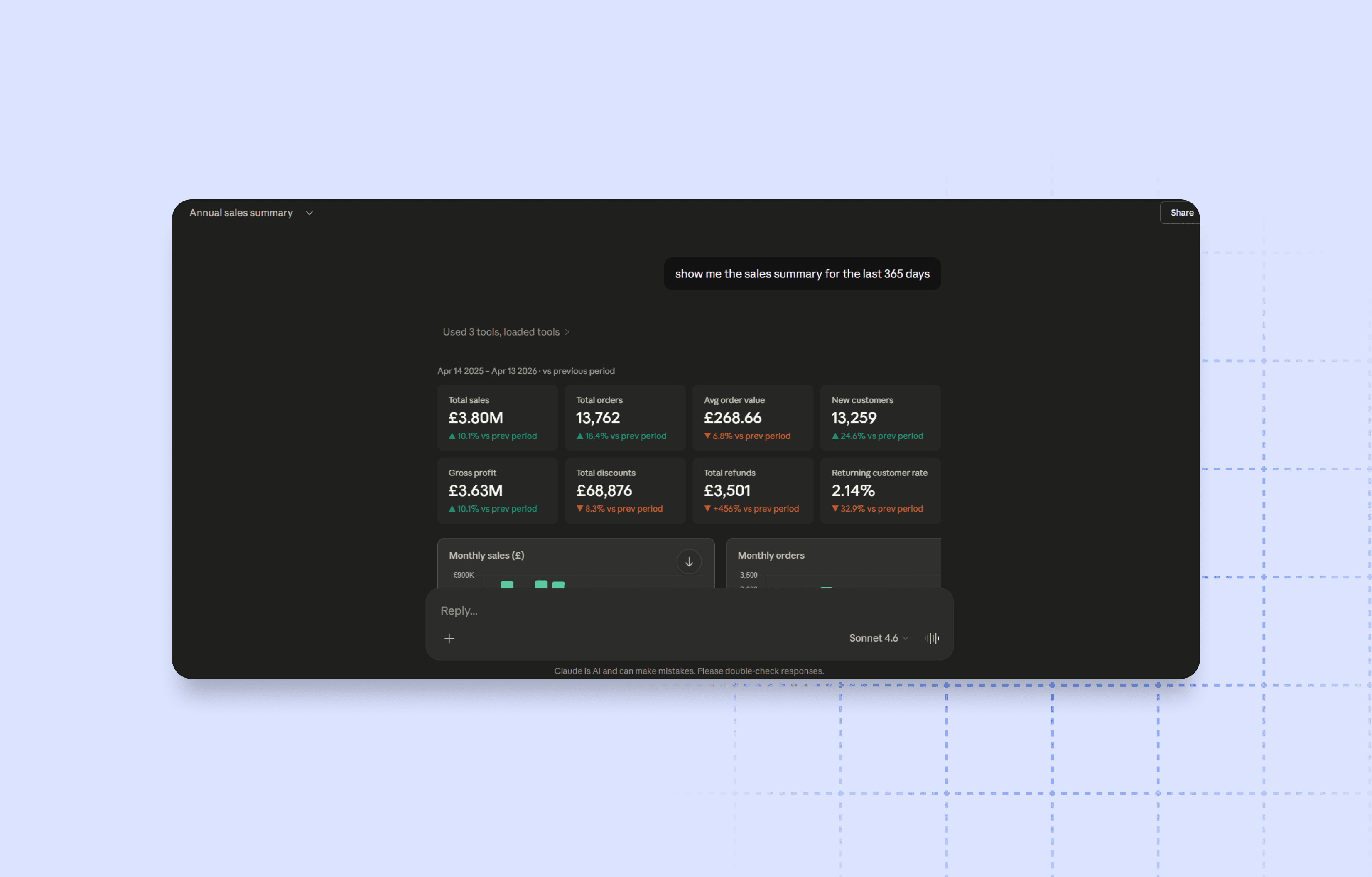
We recently launched the Cifra Analytics MCP Server — a new way to connect any AI agent directly to your Shopify store and ask anything about your data in natural language. You can read the full release notes in our changelog.
Now that it's live, we wanted to share what we've learned about getting the most out of it. Connecting your AI agent to your Shopify store through Cifra's MCP changes the way you analyze your business. Instead of opening dashboards and exporting data, you simply ask.
The key to getting the most out of it is how you frame your questions.
Be specific about the time period
Without a clear date range, answers tend to be generic. Always include the period you care about.
"What was the Total Sales for March 2025 compared to March 2024?"
Ask for comparisons, not just numbers
A number on its own says little. Comparisons give you immediate context.
"Compare the AOV of new customers vs. returning customers in Q1 2025."
Connect metrics to find root causes
The real power of the MCP is in crossing data from different sources.
"My Blended ROAS dropped in February. What happened with Google Ads Spend and Meta Ad Spend that month?"
"Returning Customers Rate fell in December. Did anything change in Klaviyo around that time?"
Ready-to-use prompts
Give me a summary of the last 30 days: Total Sales, Net Revenue, Total Orders, and AOV. Compare with the previous period.
What is my Contribution Margin for the last quarter, taking into account Expenses and Cost of Goods?
Compare Google Ads ROAS vs. Meta Ads ROAS for last month. Which channel should I scale?
Which of my connected stores had the highest Returning Customers Rate in Q1? What sets it apart from the others?
Jesús Avendaño
·